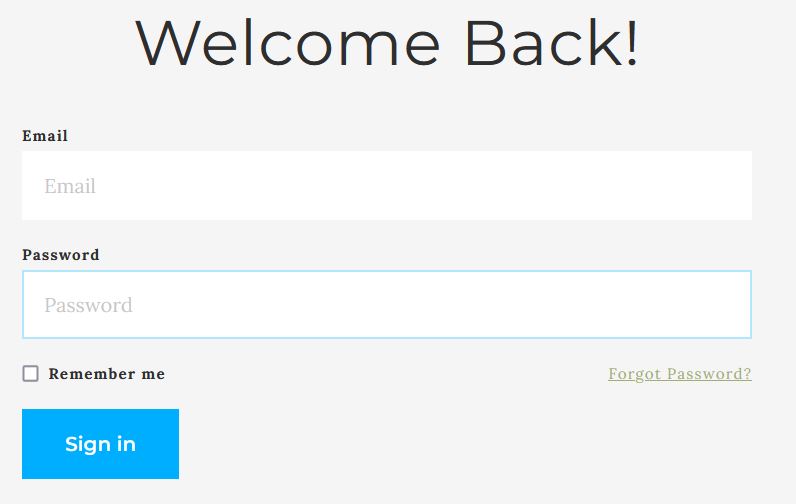
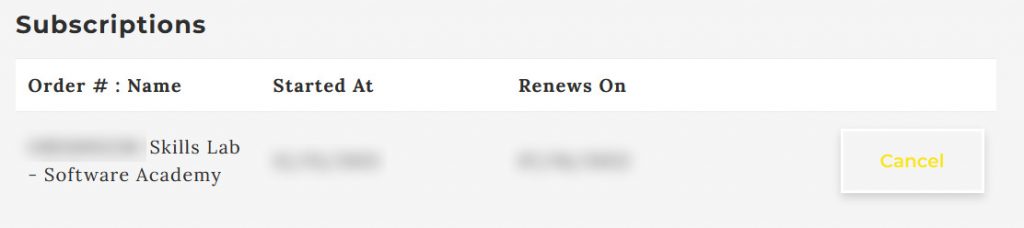
How to cancel your self-guided/Skills Lab subscription Important: This page explains how to cancel your subscription for Self-guided courses only. Step 1: Log into your account.You can click HERE to login straight into your billing page. Tip: If you can’t remember your password, you can click on the “Forgot PAssword?” link to reset your password. Step 2: Locate your Skills Lab subscription and click on the “Cancel” button.