

If your child has started asking about Minecraft mods, you’re not alone.
Many parents find themselves searching for terms like “how to install Minecraft mods” after hearing requests for new creatures, custom worlds, or exciting gameplay features. What often starts as a simple question about Minecraft can actually reveal something much more interesting: your child is becoming curious about how games work.

While it is possible to install mods yourself, many parents quickly discover that the process can involve downloading files, managing multiple Minecraft versions, troubleshooting errors, and ensuring everything works together correctly.
The bigger question isn’t how to install a mod.
It’s what your child can learn from their interest in them.
Key takeaways:
- Installing Minecraft mods requires a mod loader, such as Minecraft Forge or Fabric, to work with the Java Edition.
- You can manage and download mods easily using the CurseForge app without needing any technical knowledge.
- Learning to customise Minecraft with mods is one of the earliest signs of a developer mindset, and structured learning at Software Academy helps that curiosity grow into a real skill.
Are you ready to unlock a new level of Minecraft gameplay?
What are Minecraft Mods?
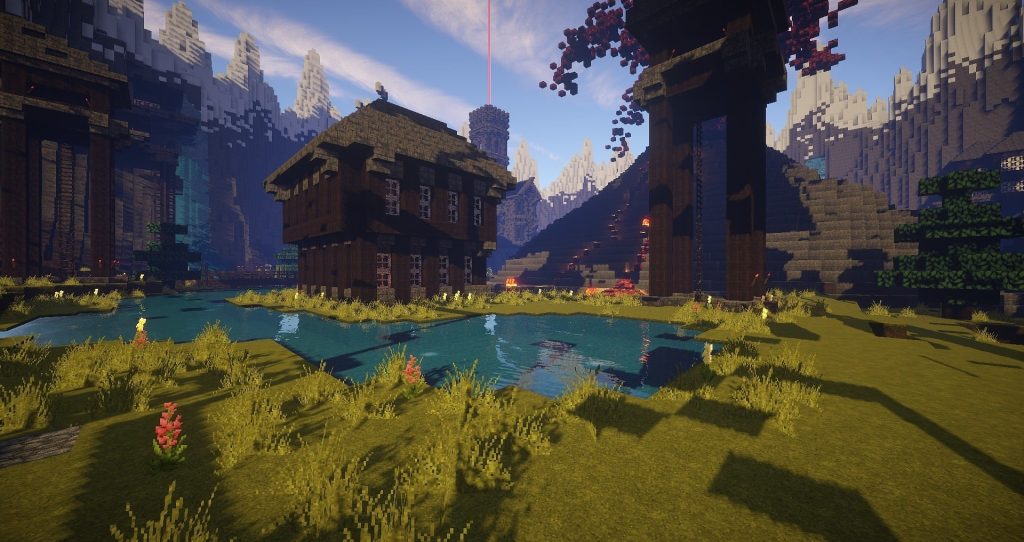
A mod (short for modification) is a file that changes or adds something to your Minecraft game. Mods can add new mobs, tools, biomes, items, and mechanics that do not exist in the vanilla version of the game.
Mods are only available on Java Edition (the PC version). If your child is playing on a console or mobile device, you will need to use add-ons or behaviour packs instead. Those are covered later in this guide.
A conversation we often hear from parents: “My 10-year-old plays Minecraft every day. He keeps asking about mods, and I have no idea where to start; I’m worried I’ll break the game.“
This is completely normal. Mods can feel technical at first, but with the right steps, even beginners can get them working. And if your child is curious about how mods are made, that curiosity is exactly what Software Academy is built for.
Why Are Children So Interested in Mods?
Children rarely ask for mods simply because they want more content.
Often, they are fascinated by the idea that someone created those features in the first place.
Questions such as:
- How did somebody make this?
- Can I build something like that?
- How does Minecraft know what to do?
There are signs that a child is beginning to think like a creator rather than just a player.
These moments offer valuable learning opportunities.
What Skills Can Children Learn From Minecraft?
Minecraft is one of the few games that naturally encourage creativity, experimentation, and logical thinking.
Children who enjoy Minecraft often develop:
- Problem-solving skills
- Creative thinking
- Project planning
- Digital confidence
- Persistence when facing challenges
When children become interested in mods, they are often ready to explore the ideas behind the game itself.
This is where coding becomes a natural next step.
How to Use the CurseForge App to Download Mods (Easier Option)
If the manual steps above feel like a lot, the CurseForge app handles most of the technical work for you. This is the option we recommend for most parents setting this up for the first time.
Step 1: Download and Install CurseForge
- Go to the CurseForge website in your browser.
- Download the CurseForge launcher for Windows.
- Install and open the app.

Step 2: Set Up Minecraft in CurseForge
- Open the app, then select Minecraft from the list of games.
- Click Create Custom Profile.
- Choose your Minecraft version and preferred mod loader (Forge or Fabric).
- Click Create.
Step 3: Search for and Install Mods
- Click on the Browse tab within your profile.
- Search for the desired mod by name.
- Click Install next to the mod you want.
- The app will automatically download and add the mod to your mods folder.

Step 4: Launch the Game
- Click Play inside the CurseForge launcher.
- The CurseForge launcher will open Minecraft with all your mods loaded.
- Check the main menu to confirm your mods are active.
Tip: CurseForge also lets you install multiple mods at once and manage which ones are active. This is perfect for building a customised mod collection over time.
What to Do If Minecraft Crashes After Installing Mods
Do not panic if the game crashes after installing a mod. It happens to almost everyone at some point, and it is almost always fixable. Here are the most common causes and fixes:
- Wrong Minecraft version: The mod may be built for a different game version. Check the mod’s description page and download a compatible version.
- Missing Fabric API: If you are running Fabric mods, make sure the Fabric API jar file is also in your mods folder.
- Conflicting mods: Some mods do not work well with other mods. Try removing mods one at a time until you find the one causing the conflict.
- Incorrect mod loader: A Forge mod will not run on a Fabric profile, and vice versa. Double-check which loader your mod requires.
- Outdated Forge version: Download a newer Forge version that matches your Minecraft version.
Tip: Always back up your child’s Minecraft world before installing a new batch of mods. That way, if something goes wrong, their world is safe.
How Minecraft Modding Connects to Real Coding Skills
Here is something many parents do not realise: the moment a child starts asking “how do mods work?” or “can I make my own mod?“, they are thinking like a developer.
Minecraft mods are written in Java. Creating even a simple mod requires understanding how code is structured, how files interact, and how to problem-solve when things go wrong. These are not just gaming skills. They are the foundations of a career in technology.
A question we often get: “My 12-year-old has been modding Minecraft for a year. She can easily install and configure mods. What’s the logical next step for her?“
The logical next step is to start learning how to build things, not just install them. Software Academy’s Minecraft Coding Course teaches children to apply coding concepts in Minecraft, bridging the gap between play and programming in a way that feels natural rather than like schoolwork.
How Software Academy Helps Young Minecraft Fans Learn Coding
At Software Academy, we make coding feel like play. Your kids will work on real projects (games, animations, and interactive stories) using the same tools that professional developers use. It is structured enough to build real skills, and fun enough that young learners ask to come back.
Our Minecraft Course uses a familiar environment to introduce coding concepts in a way that feels engaging and accessible.
Rather than focusing on downloading content created by other people, students learn how digital systems work, how to solve problems logically, and how to think like developers.
Parents often tell us that their child arrived because they loved Minecraft.
They stayed because they discovered a passion for creating.
Whether your child is interested in Minecraft, Roblox, Python, or game development, our expert instructors provide structured guidance to help turn curiosity into practical skills.
Ready to help your child go beyond playing games?
Explore Software Academy’s Minecraft Course and discover how coding can turn a favourite hobby into a valuable skill for the future.
Conclusion
Minecraft mods can be a fun way to customise gameplay, but they can also signal something bigger. When children become interested in how games can be changed and improved, they are often ready to start learning how technology works.
Instead of spending hours troubleshooting installations, consider helping your child take the next step. With expert guidance and hands-on projects, Software Academy can help them move from playing Minecraft to understanding the coding behind it.
Start Your Child’s Coding Journey with Software Academy Today!
