

Turn your child’s Minecraft obsession into a hands-on coding adventure. A Minecraft coding camp in the UK blends play, creativity, and real coding skills, allowing kids to build projects, troubleshoot like engineers, and leave with confidence.

Parents want their kids to learn real coding, but many classes are dry, technical, or too advanced. Kids lose interest fast. That means missed chances — confidence dips, curiosity fades, and the exciting world of programming becomes “boring homework” instead of a playful experience.
If your child likes Minecraft but you don’t know how to turn that into useful learning, it’s easy to feel stuck — and you might even find yourself asking, “My 10-year-old already builds cool stuff in Minecraft, can they learn to make their own mini-games?”
Well, yes, but you must choose an age-appropriate, game-based online course. At Software Academy, we run live, tutor-led camps that guide children from visual, block-style lessons into beginner-friendly code and hands-on mini-projects.
A Minecraft coding camp UK turns the game your child already loves into a playful coding classroom. Kids build mods, design levels, and learn coding concepts while having fun — all in a week-long, live-online camp that’s designed to teach real skills and spark creativity.
Key Takeaways:
- Minecraft coding camp in the UK turns play into learning: kids create mods and learn real code.
- Students learn core coding concepts (variables, logic, constructors) and game design skills that transfer to other languages and projects.
- The camp is designed to be highly intuitive and hands-on, so students create meaningful projects to share.
Book a free taster and see how they respond to real Minecraft lessons.
What is a Minecraft coding camp?
A Minecraft coding camp is a week-long, live-online course where children learn to create Minecraft mods, design levels, and start to understand coding concepts like variables, logic, and simple constructors — all inside a playful, game-based world. The camp turns Minecraft from a place to play into a place to create and code.
This particular online camp runs during school holidays (Half-Term, Easter, Summer). Classes are live, with a tutor who can see and even control a student’s screen for help.
Who should join?
Ages: This course page is aimed at 9–11-year-olds (other age-specific courses are available across the academy).
Prior coding experience: Not required, as the course welcomes beginners and those who’ve never written a line of code.
Great for kids who:
- love Minecraft
- want to try game design
- enjoy building landscapes and characters
- like to create and show off their own modifications
How the course works: An Overview
- Format: Online, live tutor-led sessions (no in-house classes).
- When: Week-long holiday camps (Monday–Friday).
- Daily timetable: 09:30–13:00 (three 1-hour lesson blocks with short breaks) — total 15 hours per week.
- Tech required: Minecraft Java Edition (students must download and install it).
Parents pick the week their child attends (not the time of day). Classes are scheduled as listed (3 hours/day).
A typical day (What students do)
- 09:30 — warm-up: quick challenge, review yesterday’s creations
- 10:30 — lesson block: new coding concept (variables, logic, scripting)
- 11:45 — mini project: add own modifications to the Minecraft world
- 12:00 — testing & show-and-tell with classmates
Kids work on blocks of code, drag-and-drop building blocks (where appropriate), and real scripts — depending on age and skill. The lessons are highly intuitive, designed so players learn quickly and see results in-game.
Why Minecraft Makes Coding Fun
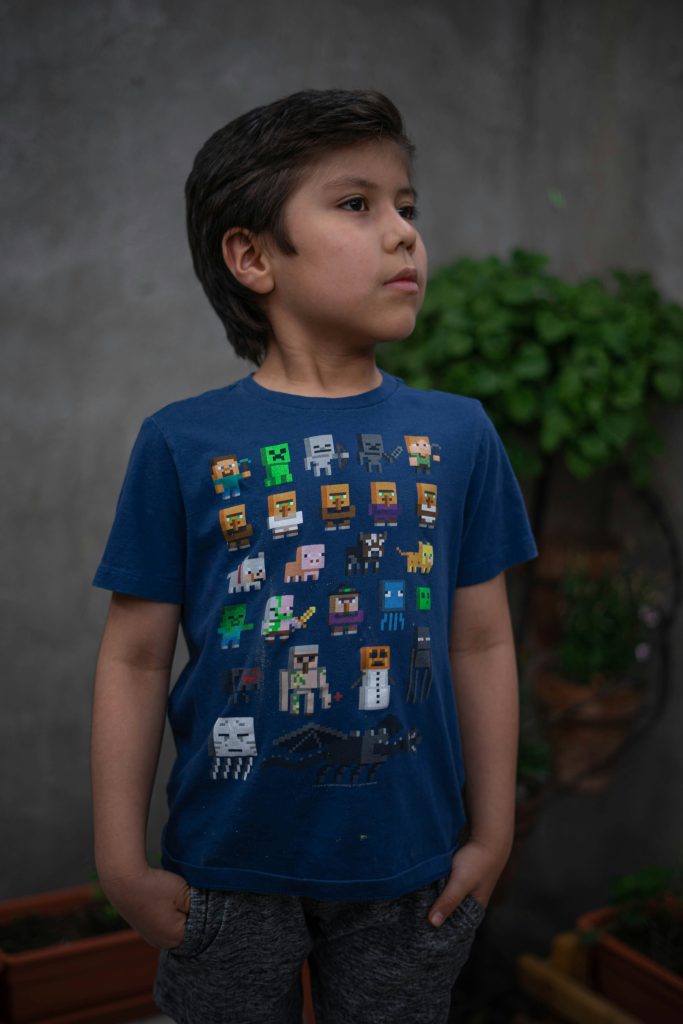
Minecraft makes coding fun — and here’s exactly why.
Instant, visual feedback
Kids change a bit of code and immediately see the result in the world. That quick loop — code → see → tweak — helps children understand coding concepts because abstract ideas become visible actions.
Playground for creativity
The Minecraft world is a game-based learning canvas. Students can create landscapes, characters, and challenges. When kids build something they imagined, motivation spikes and learning becomes play.
Safe space to fail and iterate
Mistakes don’t feel scary. If a script breaks or a trap fails, players test again. That repeated trial and error teaches problem-solving and resilience — real engineering skills packaged as fun.
Blocks, drag, drop (and text)
Many camps start with a drag-and-drop or drop interface using code blocks so beginners can focus on logic before syntax. Later, students move into typed code (for example, simple Java or Python) so they see how the same ideas map to real programming languages.
Highly intuitive learning flow
The visual, cause-and-effect nature of Minecraft is highly intuitive. Kids don’t need long explanations — they learn by doing, which keeps lessons short, clear, and fun.
From tiny hacks to meaningful projects
Small exercises (make a door open on command) lead to larger projects (an adventure map with custom characters and challenges). That sense of progression turns short sessions into a learning journey.
Curious how Minecraft makes coding fun?
What Kids Learn (Core Outcomes)
Here are the real skills kids gain from a Minecraft coding camp.
1. Technical foundations: Understand coding concepts
- Variables — change a speed or health number and immediately see the effect.
- Logic & conditionals — “if/then” rules that make characters react (if player near → say hello).
- Loops — repeat actions to build walls, plant rows of trees, or spawn mobs.
- Constructors & functions — package repeated steps into a single command to reuse.
- Drag-and-drop (drop interface) → text — start with blocks and then move into typed code so students see how the same ideas look in real languages like JavaScript.
Outcome: Kids understand coding concepts because they see cause-and-effect in the game.
2. Practical coding & modding: Create real things
- Make your own modifications (mods): new items, custom mobs, or automated tools.
- Scripted behaviours: NPCs that follow rules, doors that open on conditions, robots that collect resources.
- Integration: combine blocks, scripts, and assets to produce playable content.
Outcome: Students ship a working project — something they can play, share, and iterate on.
3. Game design & creative skills
- Level design — craft goals, obstacles, and rewards so a map is fun to play.
- Balancing — adjust variables so that a challenge is neither too easy nor too difficult.
- Characters & storytelling — design quests, characters, and game mechanics.
Outcome: Kids learn the basics of game design while they build landscapes and challenges.
4. Problem-solving & engineering mindset
- Debugging — find why a script fails and fix it.
- Testing — change one variable, test, repeat. This teaches iterative design.
- Logical thinking — break big tasks into smaller steps.
Outcome: Students gain problem-solving skills that transfer beyond Minecraft to robotics, engineering, and real-world projects.
5. Soft skills & collaboration
- Show-and-tell — sharing projects with peers builds confidence.
- Teamwork — workshops and group projects teach communication and cooperation.
- Persistence — kids learn that small failures are part of learning.
Outcome: Participants become more confident, collaborative, and curious.
6. Progression & future pathways
- Beginners start with highly visual, highly intuitive lessons.
- As confidence grows, students move from block-based builds to typed code (JavaScript), robotics integrations, and larger mods.
These skills open doors to advanced courses in web dev, robotics, and extended game development.
7. Transferable outcomes parents will notice
- Concrete projects for a portfolio or school show-and-tell.
- Better logic and math confidence.
- More thoughtful screen time: meaningful, creative, and structured.
Outcome: Learning that lasts — kids gain tools they can reuse in many STEM contexts.
Beyond the game, students pick up logic, sequencing, variables, and debugging. These skills apply to robotics, web development, and future coding courses — all learned while having a blast.

Example mini-projects linked to outcomes
- Change a variable (speed) → immediate visual effect (learn variables).
- Loop-build wall → understand loops and repetition.
- NPC quest giver → practice conditionals and functions.
- Robot miner → bridge to robotics concepts and automation.
- Mini-adventure map → combine game design, storytelling, and testing.
Extra Tips for Parents
- Choose the week that fits your holidays — parents select the week, not the class time.
- Help your child install Minecraft Java Edition a day or two before camp.
- Encourage show-and-tell at home — it boosts confidence and makes the learning stick.
Give your child one week of creative coding and game design.
FAQs
Q: What ages can join?
A: The Minecraft course is suitable for 9–11-year-olds. However, Software Academy offers other age-specific courses. Our computer and basic IT course, for instance, caters to children as young as six years old.
Q: Does my child need prior coding experience?
A: No prior coding experience is required. The course teaches beginners.
Q: Is this online or in-person?
A: All classes are conducted online with a live tutor and screen sharing.
Q: What is the daily schedule?
A: 09:30–13:00, Monday–Friday (three lesson blocks). Total 15 hours per week.
Q: What do students need to install?
A: Minecraft Java Edition is required (students must install it before the camp). The course also uses additional tools; setup instructions are sent after booking.
Q: Will my child make something they can keep?
A: Yes. By the end of the week, students will have finished projects and their own modifications to show family and friends.
Ready to turn Minecraft time into a creative coding journey? Check out the course details and book a week at Software Academy’s Minecraft course for kids.
